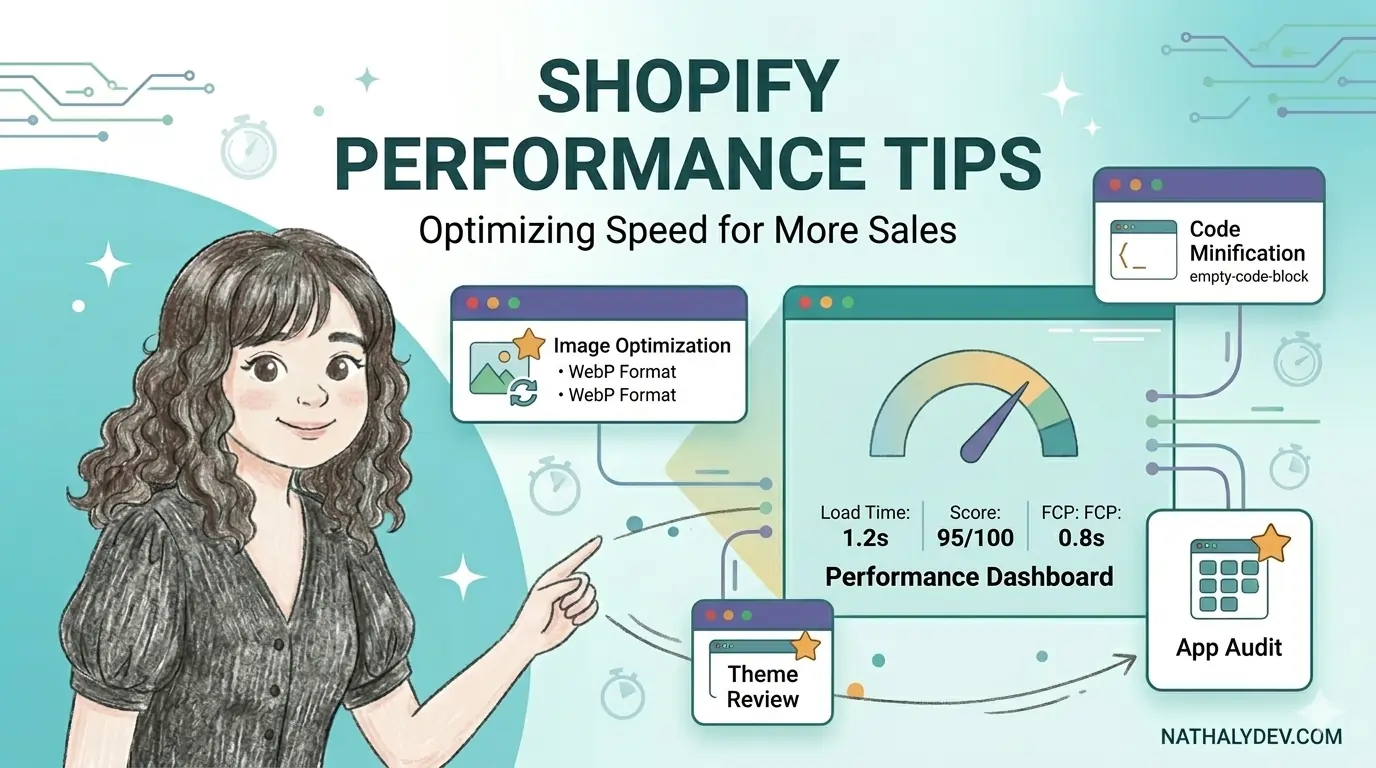
10 Essential Shopify Performance Tips for Lightning-Fast Stores
As a senior frontend developer specializing in Shopify, I’ve seen firsthand how store performance directly impacts conversion rates and customer satisfaction. A slow-loading store can cost you sales and damage your brand reputation. Here are 10 proven performance optimization techniques that will transform your Shopify store into a lightning-fast e-commerce machine.
1. Optimize Image Assets Strategically
Images are often the biggest culprits behind slow-loading stores. Here’s how to optimize them effectively:
Use Next-Gen Image Formats
<!-- Use WebP format with fallback -->
<picture>
  <source srcset="{{ product.featured_image | img_url: '800x' | format: 'webp' }}" type="image/webp">
  <img src="{{ product.featured_image | img_url: '800x' }}" alt="{{ product.featured_image.alt }}" loading="lazy">
</picture>
Implement Responsive Images
<img
  src="{{ product.featured_image | img_url: '300x' }}"
  srcset="{{ product.featured_image | img_url: '300x' }} 300w,
          {{ product.featured_image | img_url: '600x' }} 600w,
          {{ product.featured_image | img_url: '900x' }} 900w"
  sizes="(max-width: 600px) 300px, (max-width: 900px) 600px, 900px"
  alt="{{ product.featured_image.alt }}"
  loading="lazy"
>
2. Minimize and Bundle CSS/JavaScript
Reduce the number of HTTP requests by bundling your assets:
CSS Optimization
// Use critical CSS for above-the-fold content
.critical-css {
  // Only essential styles for initial viewport
}

// Load non-critical CSS asynchronously
.non-critical {
  // Styles that can wait
}
JavaScript Bundling
// Load scripts efficiently
const loadScript = (src, async = true, defer = true) => {
  const script = document.createElement('script');
  script.src = src;
  script.async = async;
  script.defer = defer;
  document.head.appendChild(script);
};

// Load non-critical scripts after page load
window.addEventListener('load', () => {
  loadScript('/assets/non-critical.js');
});
3. Implement Lazy Loading
Lazy loading prevents unnecessary resource loading:
// Intersection Observer for lazy loading
const imageObserver = new IntersectionObserver((entries, observer) => {
  entries.forEach(entry => {
    if (entry.isIntersecting) {
      const img = entry.target;
      img.src = img.dataset.src;
      img.classList.remove('lazy');
      observer.unobserve(img);
    }
  });
});

document.querySelectorAll('img[data-src]').forEach(img => {
  imageObserver.observe(img);
});
4. Optimize Shopify App Integration
Third-party apps can significantly impact performance:
Audit App Performance
// Monitor app loading times
const performanceObserver = new PerformanceObserver((list) => {
  list.getEntries().forEach((entry) => {
    if (entry.entryType === 'measure') {
      console.log(`${entry.name}: ${entry.duration}ms`);
    }
  });
});

performanceObserver.observe({ entryTypes: ['measure'] });
Load Apps Asynchronously
<!-- Load app scripts with defer -->
{{ 'app-script.js' | asset_url | script_tag: defer }}
5. Utilize Browser Caching Effectively
Implement proper caching strategies:
// Service Worker for caching
self.addEventListener('fetch', event => {
  if (event.request.destination === 'image') {
    event.respondWith(
      caches.match(event.request).then(response => {
        return response || fetch(event.request).then(response => {
          return caches.open('images').then(cache => {
            cache.put(event.request, response.clone());
            return response;
          });
        });
      })
    );
  }
});
6. Optimize Product Page Performance
Product pages are critical for conversions:
<!-- Preload critical resources -->
<link rel="preload" href="{{ 'critical.css' | asset_url }}" as="style">
<link rel="preload" href="{{ product.featured_image | img_url: '800x' }}" as="image">

<!-- Defer non-critical content -->
<div class="product-reviews" data-async-load="/reviews/{{ product.id }}">
  <!-- Reviews loaded asynchronously -->
</div>
7. Implement Efficient Search Functionality
Optimize search for better user experience:
// Debounced search input
const debounce = (func, wait) => {
  let timeout;
  return function executedFunction(...args) {
    const later = () => {
      clearTimeout(timeout);
      func(...args);
    };
    clearTimeout(timeout);
    timeout = setTimeout(later, wait);
  };
};

const handleSearch = debounce((query) => {
  if (query.length > 2) {
    performSearch(query);
  }
}, 300);
8. Optimize Collection Pages
Collection pages often load many products:
<!-- Paginate efficiently -->
{% paginate collection.products by 20 %}
  {% for product in collection.products %}
    {% render 'product-card', product: product %}
  {% endfor %}

  {% if paginate.pages > 1 %}
    <div class="pagination">
      {{ paginate | default_pagination }}
    </div>
  {% endif %}
{% endpaginate %}
9. Monitor Core Web Vitals
Track essential performance metrics:
// Monitor Core Web Vitals
import {getCLS, getFID, getFCP, getLCP, getTTFB} from 'web-vitals';

getCLS(console.log);
getFID(console.log);
getFCP(console.log);
getLCP(console.log);
getTTFB(console.log);
10. Use Content Delivery Networks (CDN)
Ensure your assets are served efficiently:
<!-- Use Shopify's CDN automatically -->
{{ 'style.css' | asset_url | stylesheet_tag }}

<!-- Custom CDN for external assets -->
<link rel="stylesheet" href="https://cdn.example.com/font.css">
Bonus: Advanced Optimization Techniques
Critical CSS Inlining
<style>
  /* Critical CSS inline in HTML head */
  .hero { display: flex; }
  .cta-button { background: #000; }
</style>
Resource Hints
<!-- Preconnect to external domains -->
<link rel="preconnect" href="https://fonts.googleapis.com">
<link rel="dns-prefetch" href="https://cdn.shopify.com">

<!-- Preload critical resources -->
<link rel="preload" href="{{ 'theme.css' | asset_url }}" as="style">
Performance Monitoring Tools
Regular monitoring is essential:
- Google PageSpeed Insights - Comprehensive performance analysis
- GTmetrix - Detailed performance reports
- Shopify Theme Inspector - Store-specific performance data
- Lighthouse - Automated performance auditing
Common Performance Pitfalls to Avoid
- ❌ Loading oversized images without optimization
- ❌ Too many third-party apps
- ❌ Inefficient JavaScript execution
- ❌ Missing browser caching headers
- ❌ Blocking render resources
- ❌ Excessive DOM manipulation
Measuring Success
Track these key metrics:
- Page Load Time: < 2 seconds
- Time to Interactive: < 3 seconds
- Largest Contentful Paint: < 2.5 seconds
- Cumulative Layout Shift: < 0.1
- First Input Delay: < 100ms
Conclusion
Implementing these performance optimization techniques will significantly improve your Shopify store’s speed, user experience, and conversion rates. Remember that performance optimization is an ongoing process, not a one-time fix.
Start with the high-impact optimizations like image optimization and critical CSS, then gradually implement more advanced techniques. Regular monitoring and testing will ensure your store continues to perform at its best.
Need help optimizing your Shopify store’s performance? As a senior frontend developer specializing in Shopify optimization, I can help you implement these techniques and achieve lightning-fast load times. Book a call for a performance audit.